
EchoNote
EchoNote records room audio, keeps it organised, and turns supported recordings into text on the device. AI summaries are optional, run on a model the user chooses, and never take the audio with them.
Install the signed Android build directly — no store account needed, just side-load it. Android is available now; iOS is coming soon. The SHA-256 is published next to the file.
Side-load · Android now · iOS coming soon

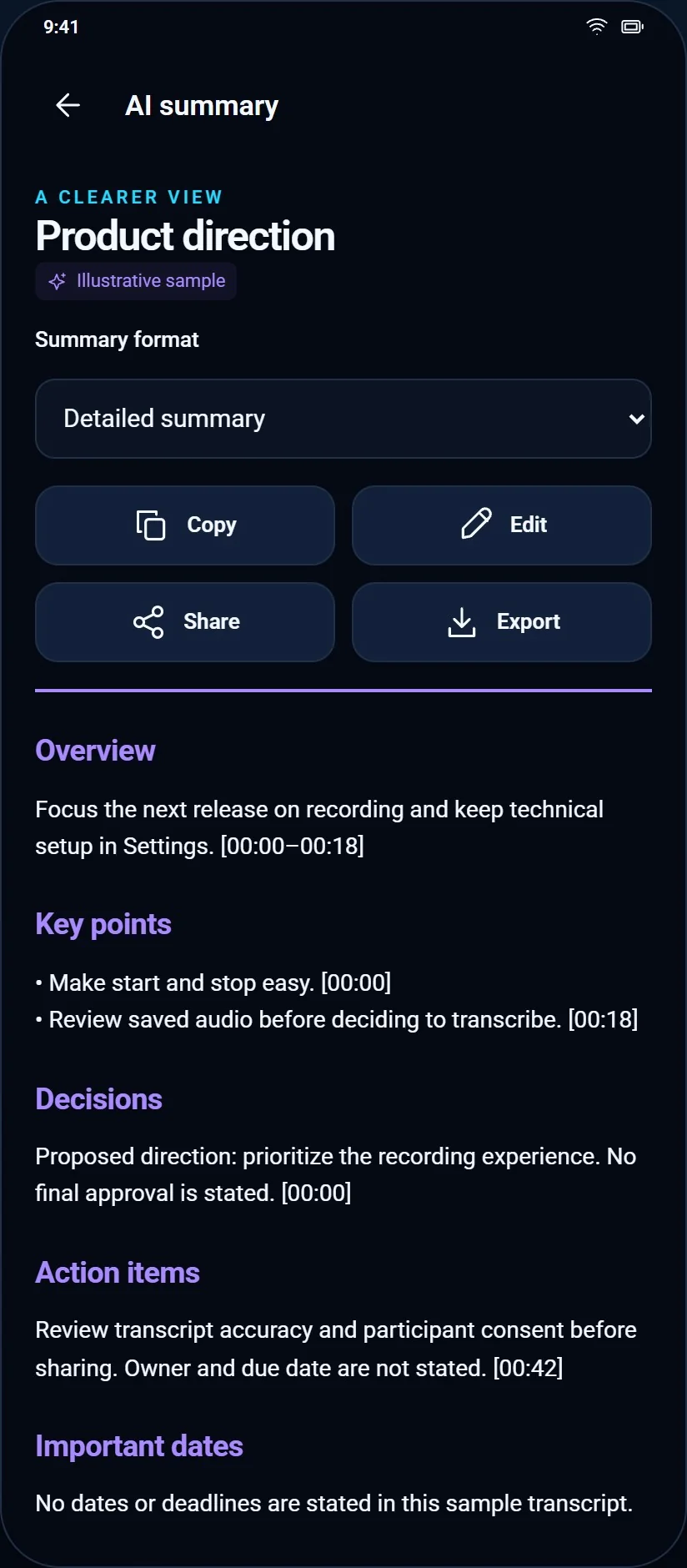

Screens rendered at 2× from EchoNote's own interface.
The problem
Voice notes are easy to make and almost impossible to use later. The usual fix is a cloud recorder that uploads your room to a vendor. The brief here was to earn the trust instead: keep the audio on the phone, let transcription happen locally, and make any cloud AI something the user opts into with their own key.
What we built
- Recording you can trust. Start, pause, stop and save; sessions are kept with titles, folders, tags and favourites, searchable by text and date.
- On-device transcription. An English speech model is downloaded once, then runs locally — no audio leaves the device for transcription.
- Optional AI, on your provider. On-device Gemini Nano where the phone supports it, or a personal Gemini, DeepSeek or OpenAI key for summaries, note formats, action items and questions about a transcript.
- Exports that open elsewhere. Individual recordings and text documents, including PDF and DOCX.
- Stated limits. The app says what it captures — room sound, not calls — and asks for participant consent before recording.
What the AI team actually did
- Designed and implemented the recording, library, transcription and AI-provider flows, including key handling that keeps provider credentials on the device.
- Built the test matrix and the accessibility pass — large-font layouts and every settings screen captured at 320×700 and 700×320.
- Wrote the store listing, the data-safety answers and the privacy controls, then audited the claims against what the build actually does.
- Produced the release-readiness notes that list, honestly, which asset gates are still open.
What is verified — and what is not
Recording, playback, library organisation and the on-device transcription path have been exercised on a real device, with captures kept per screen size. The AI features are implemented and provider-gated; what has not been proven is a full release run of every provider on every device — and the listing assets remain unexported.
← Back to all work