
Tempo
Tempo is a clock that treats time as something to live with rather than fight. Alarms, world clock, timer and stopwatch in one calm interface — six palettes, three appearance modes, and copy that stops shouting at you.
Install the signed Android build directly — no store account needed, just side-load it. Android is available now; iOS is coming soon. The SHA-256 is published next to the file.
Side-load · Android now · iOS coming soon

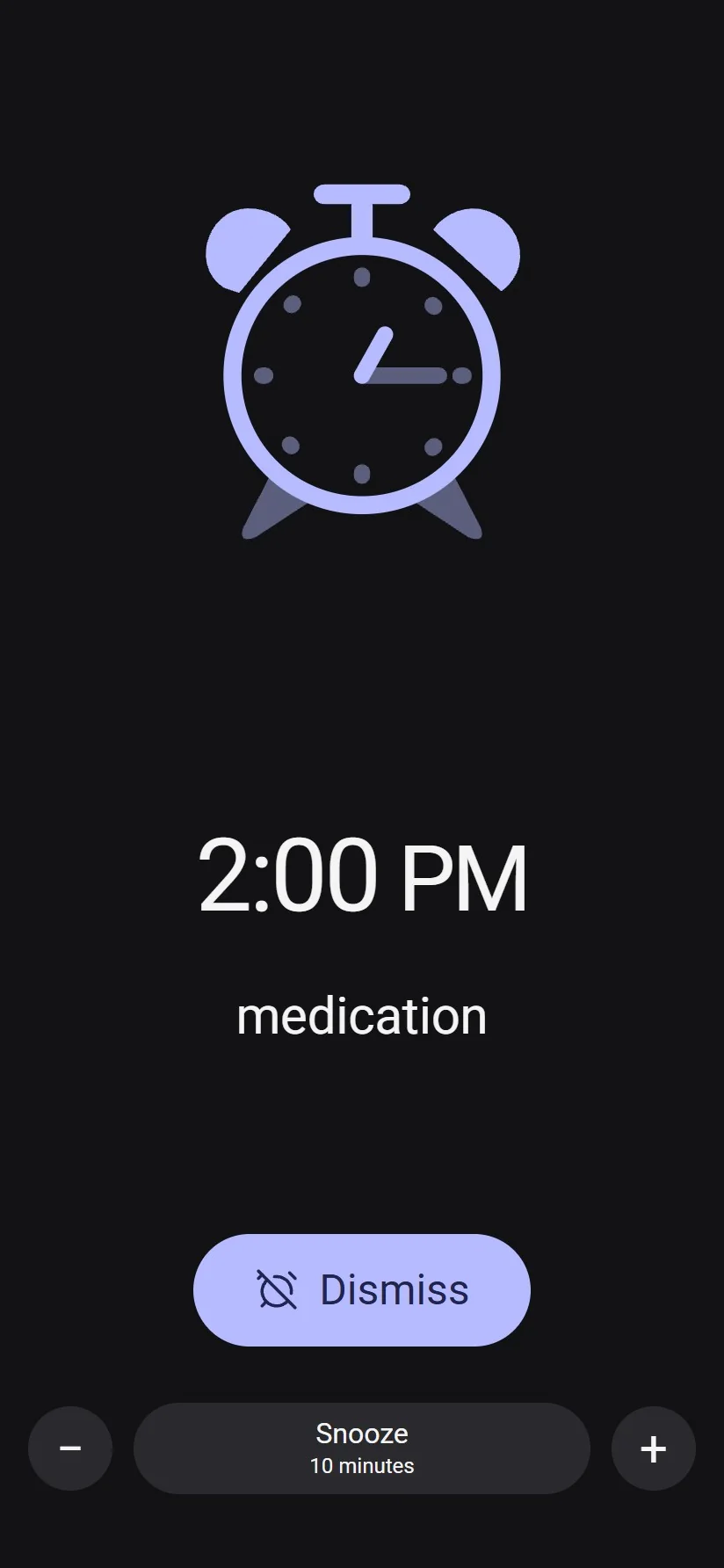

Screens rendered at 2× from Tempo's own interface.
The problem
Clock apps are solved problems, which is exactly why they are boring to look at and often unpleasant to use at 6am. The brief was the opposite: keep every capability a serious clock needs, and make the moment you actually deal with it — half asleep, in the dark — feel calm.
What we built
- Four tools, one system. Alarms, world clock, timer and stopwatch share the same components, spacing and motion rather than four separate UIs.
- Six palettes across three appearance modes — light, dark and system — with contrast checked in every combination.
- Real world clocks. The full GeoNames dataset (236,815 places) ships with the app for city search and time conversion.
- An editable ringing screen. Any fixture time, an optional label, snooze availability and 5–60 minute snooze steps.
- A distinct identity. An original open-dial mark in indigo, drawn as vector source rather than sourced from a third party.
What the AI team actually did
- Rebuilt the design system and every screen, then ported screens to native Android.
- Wrote the test suite — 66 unit tests — and browser-driven review scripts covering eighteen app states at 360×780, 320×480 and 412×892, plus six palettes in each mode.
- Recorded the results: verification reports, flow captures and screenshots, run against the built artefact rather than the development server.
- Wrote the store copy and the legal notes for the release.